 COME
COMECOME language settings and version information
The Language control changes an interface preference. It should be read separately from the Check Update row and any software version identifier.
Read adjacent controls correctly
The Settings screen places Language above Check Update, followed by Music and Effects. Their proximity does not make them part of one update process. Choosing a display language is different from installing a new APK or changing the phone's Android version.
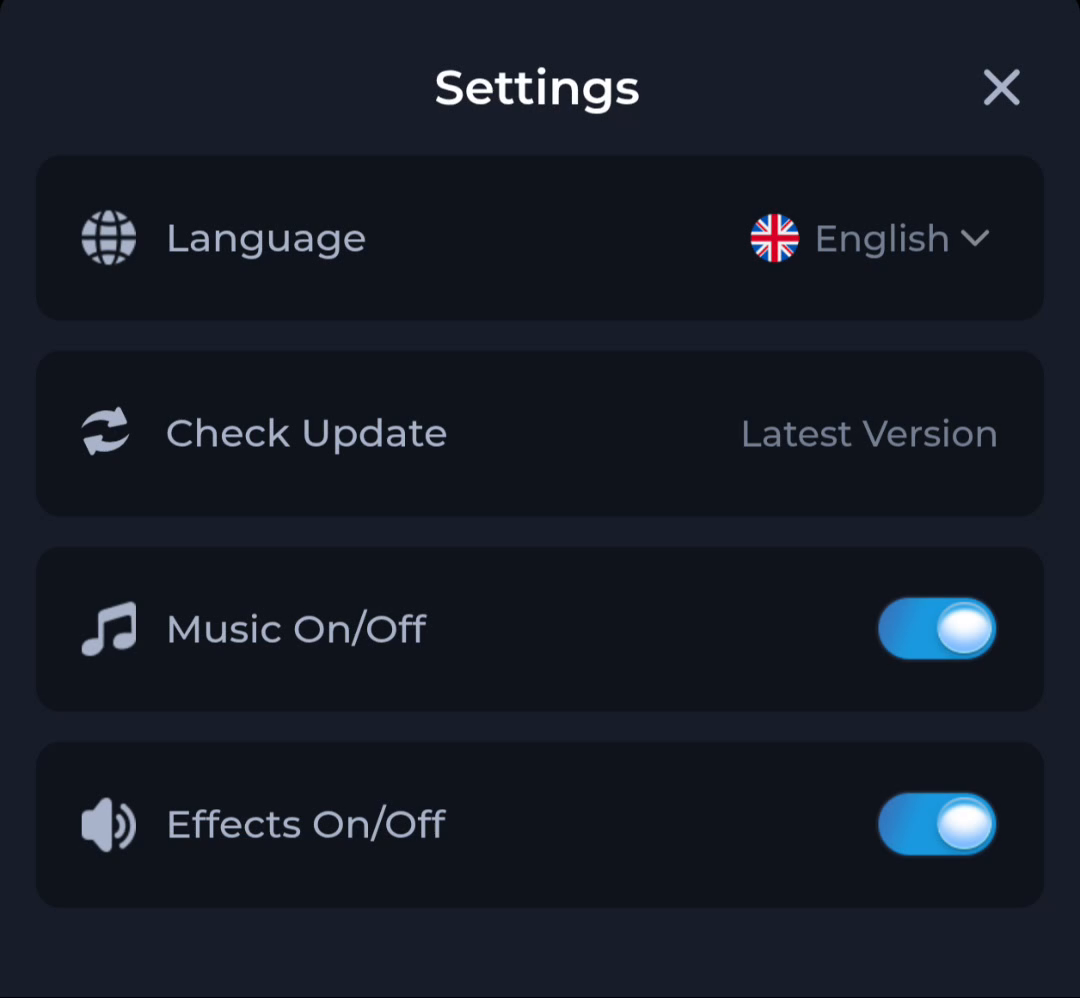
Recognise translated labels
After a language change, familiar actions may have different text or positions. Use the meaning of the control and the current screen rather than relying only on an English phrase. Avoid changing unrelated options just to find the update action.
Check account context
A language selector does not confirm which account is active or which location rules apply. Review the actual account and the service's terms separately. A displayed language is a reading preference, not proof of eligibility for every feature.
A useful next step
Use Settings for interface controls and the download guide when the task concerns an Android file.